From Translation to Proofreading
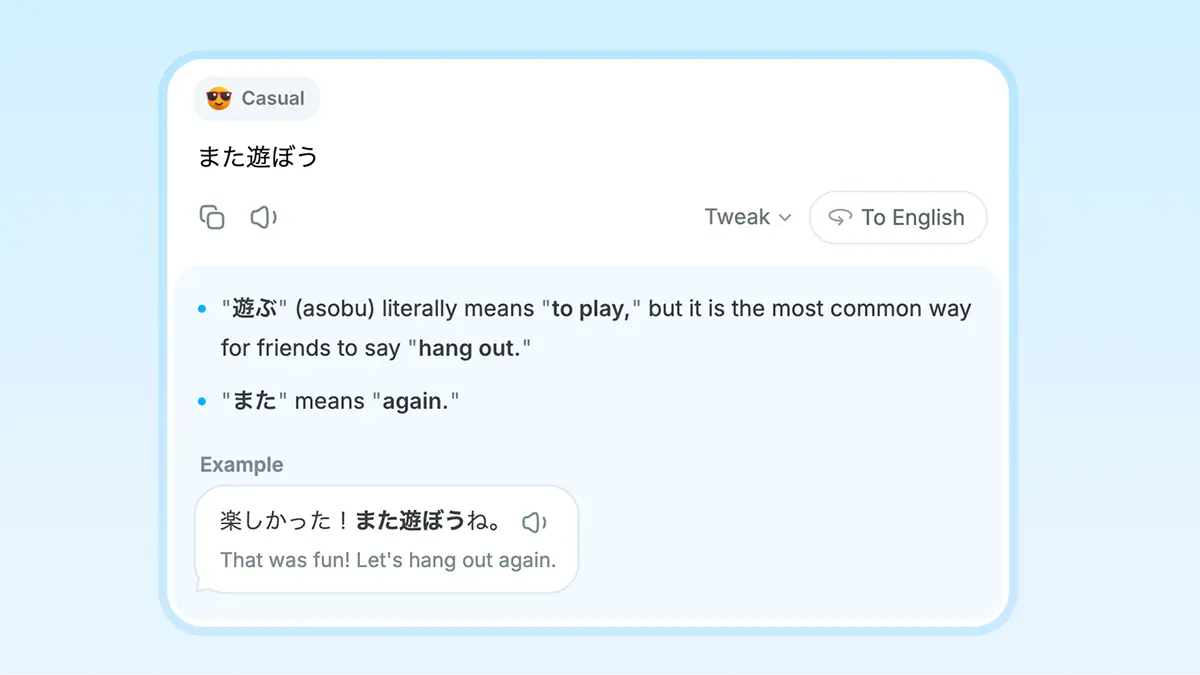
Natural translations with context
Nani explains nuance and alternative wording as it translates into Japanese, so it is easier to choose the right phrasing.
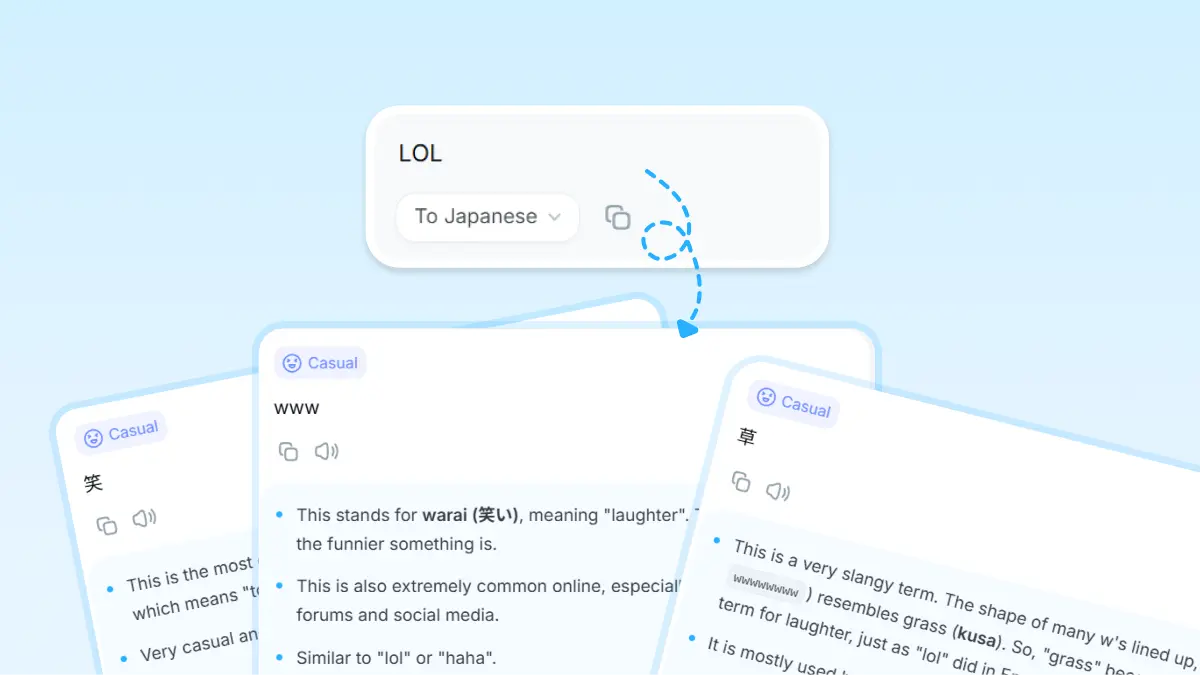
Choose from a few tones
When it makes sense, Nani shows a few Japanese versions, like casual or more formal, so you can pick the one that fits.
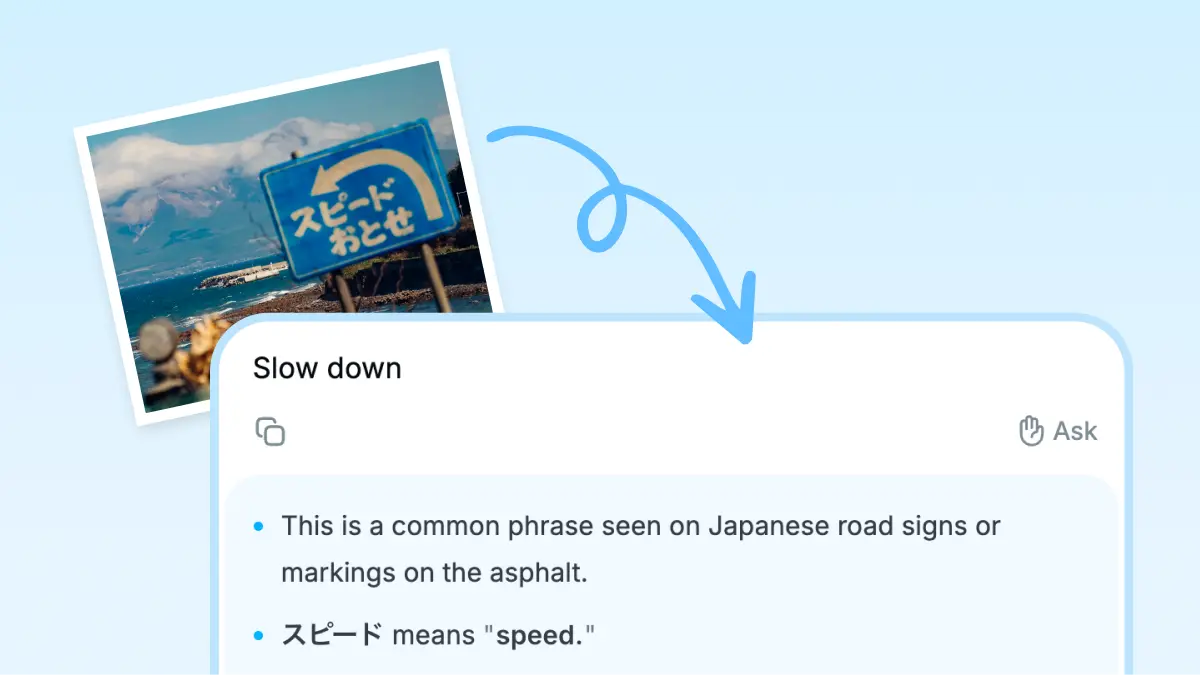
Translate images quickly
Paste an image or drag it in to translate it into Japanese. On Mac, dropping it onto the app icon works too.
Guide the translation with @
Type @ to add a hint like “@in a work email”, or translate into Japanese from an @ line alone, like “@apologize for being late”.
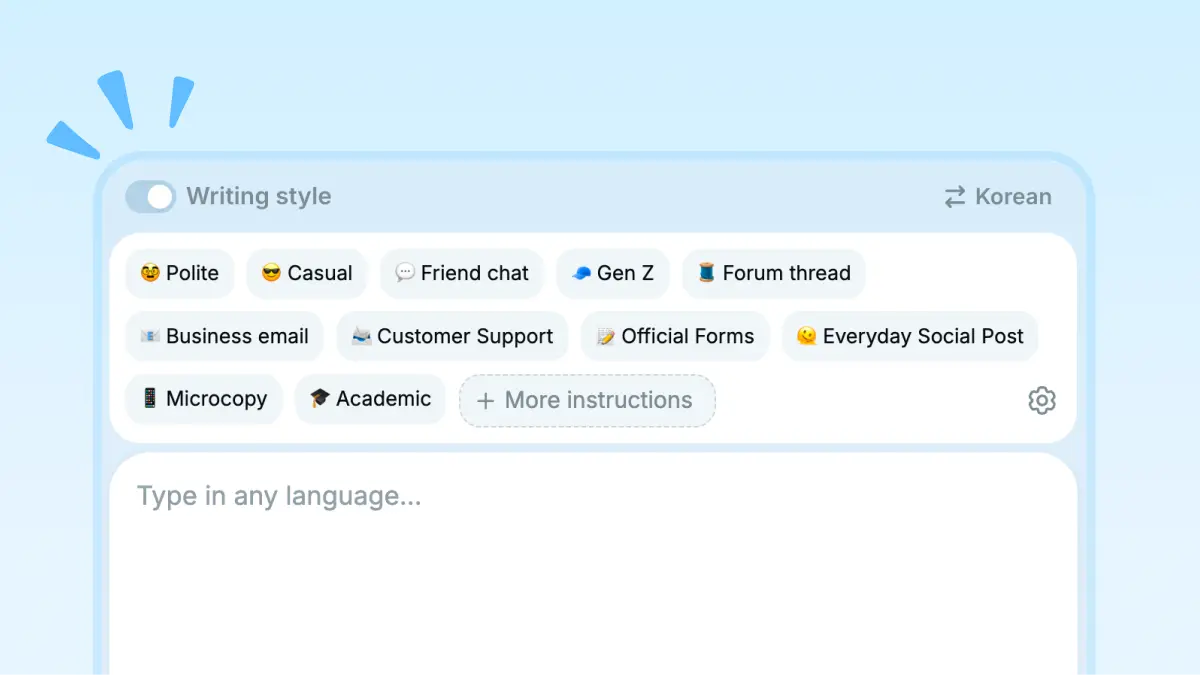
Pick a style for the situation
Choose a Japanese style that fits the moment, from a chat with friends to a business email.
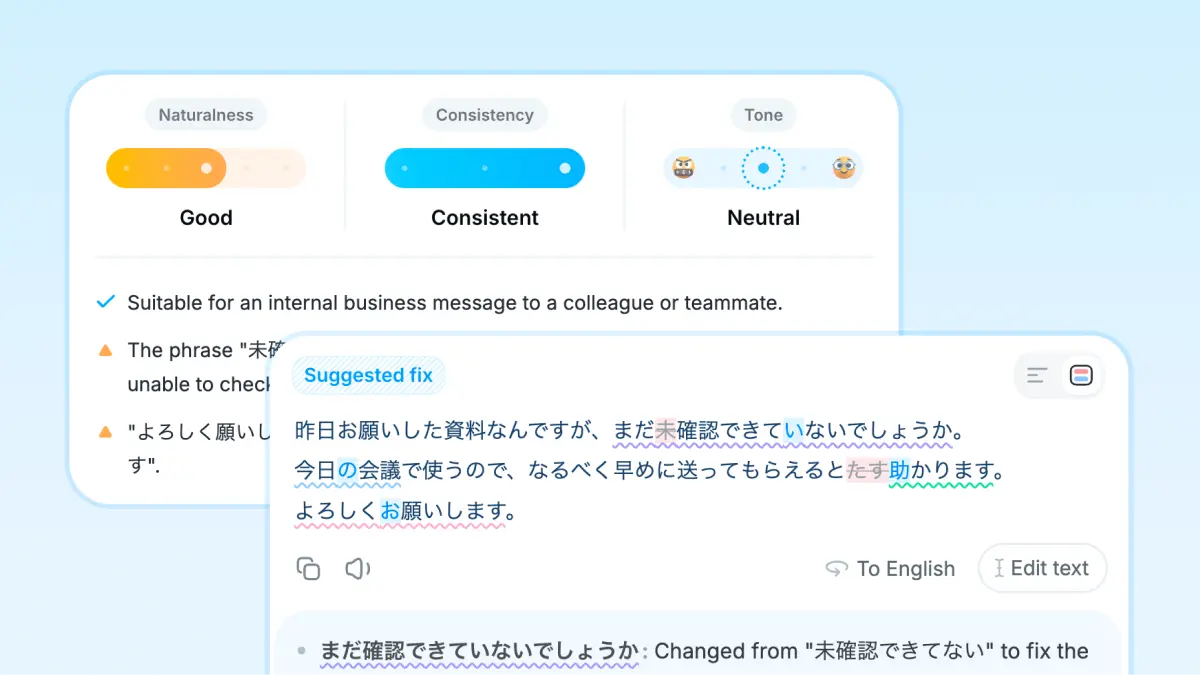
Proofread and polish with AI
Check Japanese typos, grammar, and phrasing, then get suggestions for a more natural version.
Draft replies with AI
Draft a Japanese reply that fits the message you received, whether it is for chat, email, or DM.
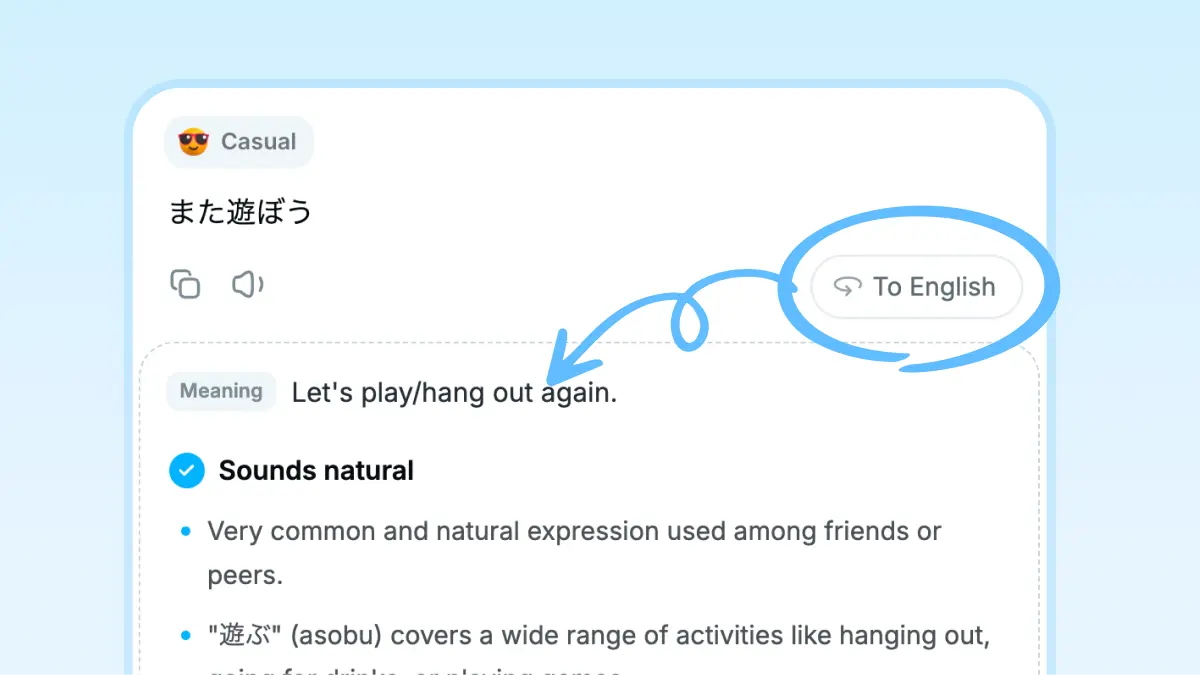
Back-translate to check
Back-translate the result on the spot to check whether the nuance matches your intent.
Show more features

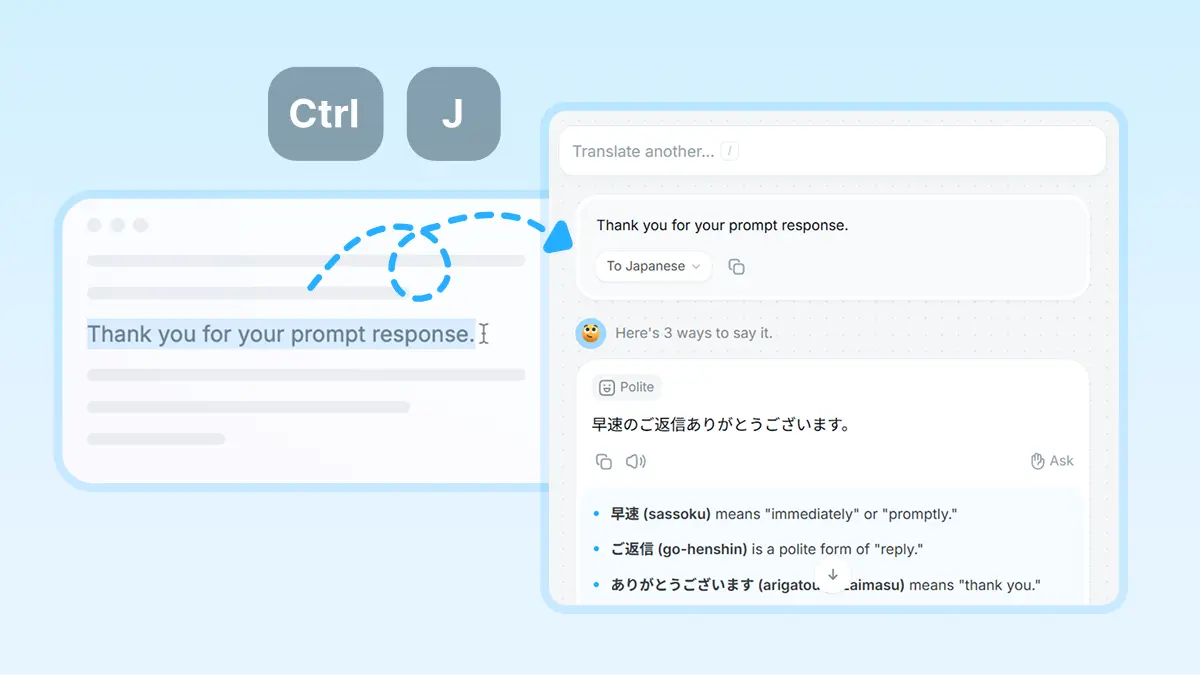
Translate from any app with a shortcut
Select text, press the shortcut, and translate without leaving the app you are in.
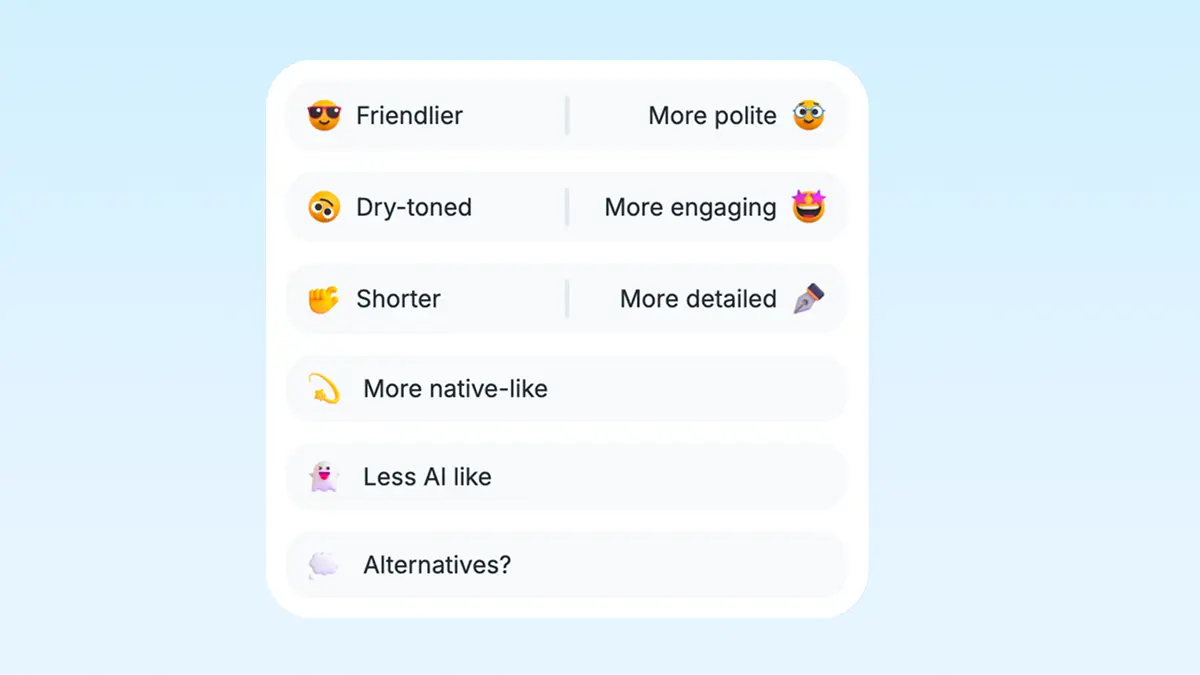
Fine-tune the tone quickly
Tap a follow-up button to make the translation more casual, more polite, shorter, or closer to what you meant.
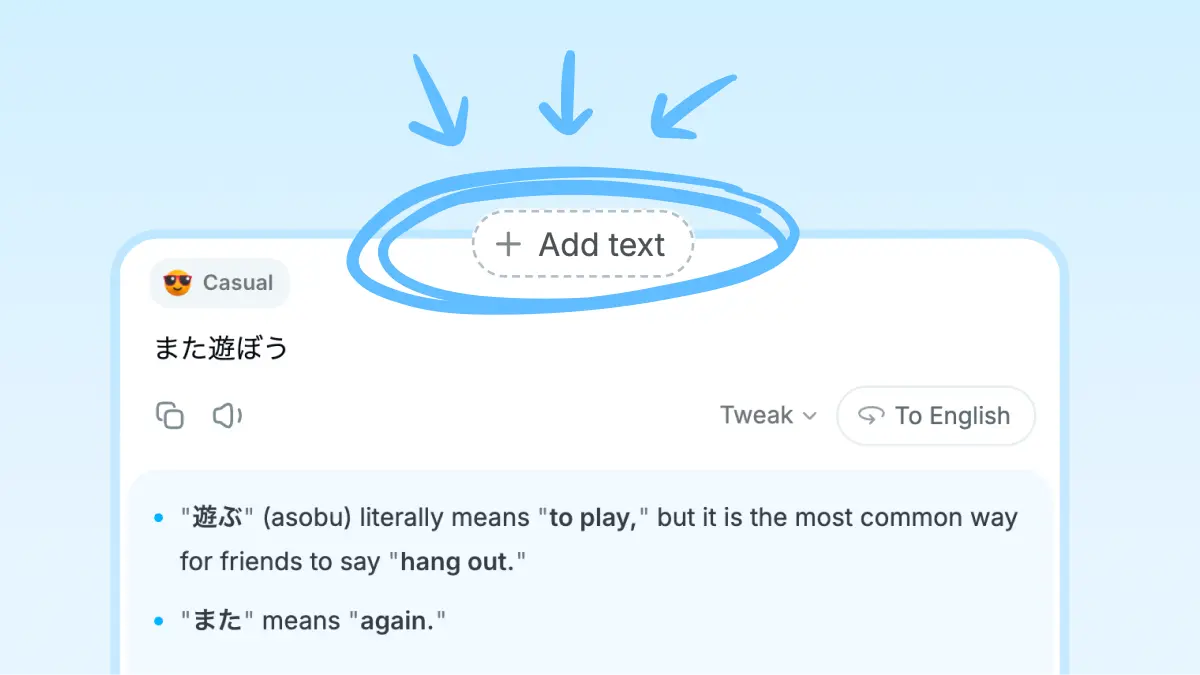
Add more after translating
After translating, type what you want to add in your own language. Nani translates it naturally and blends it into the existing text.
Natural-sounding AI speech
Hear the translated text in a natural AI voice. With Pro, you can also check phonetic spelling.
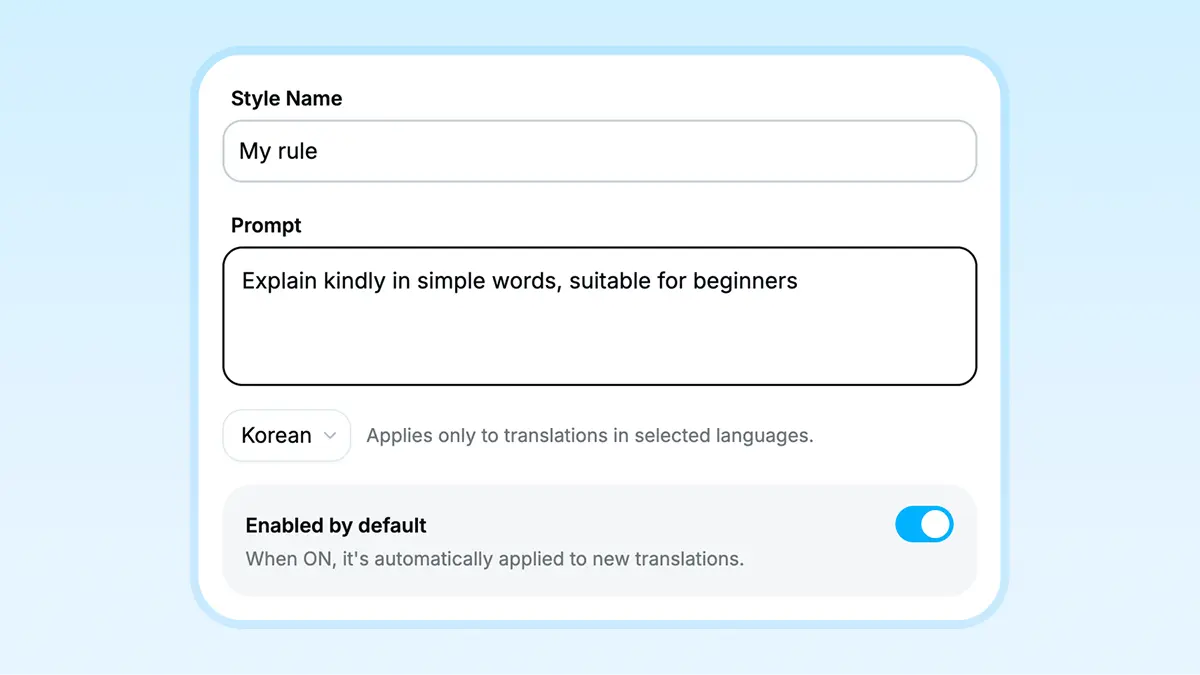
Save your own style tags
With Pro, you can save custom style tags and call them up quickly. You can also set tags by language or apply a tag by default.
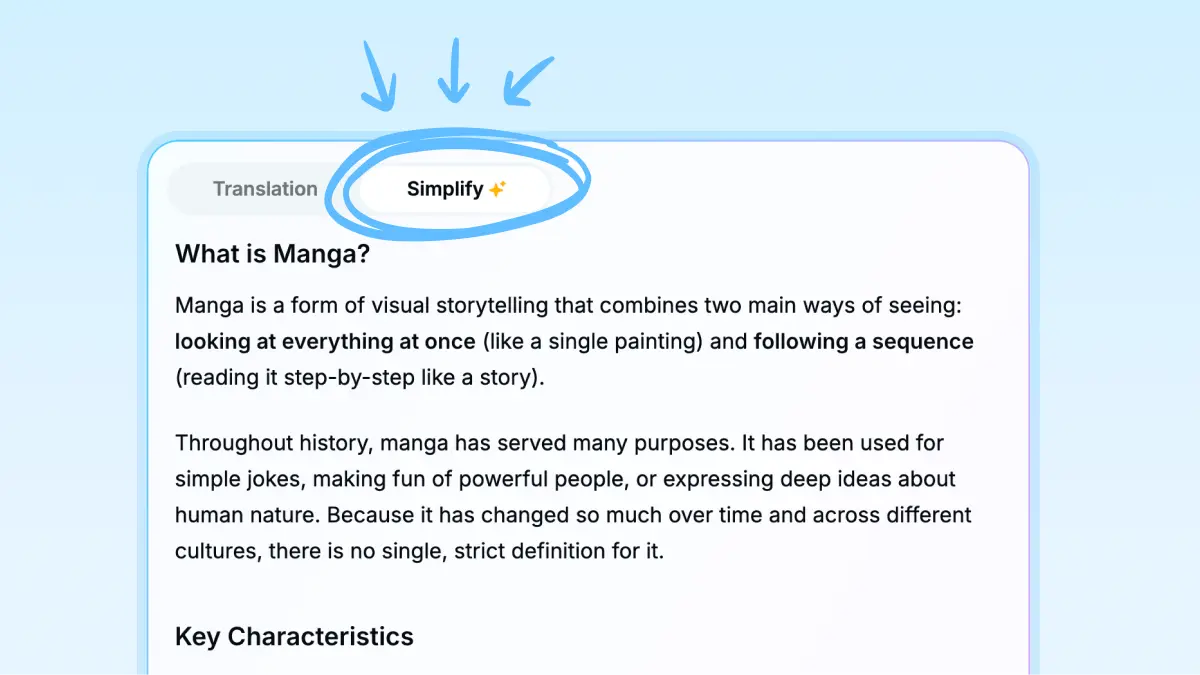
Summarize long text
Turn translated text into an easy-to-scan summary.
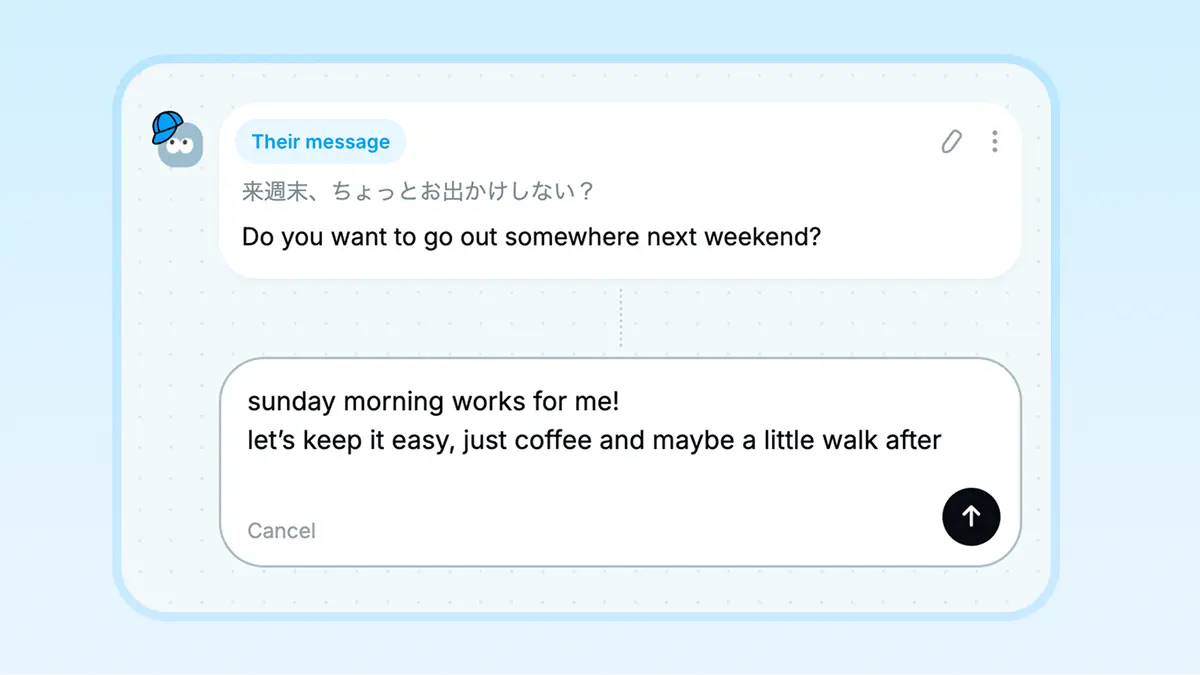
Translate written conversations
Translate DMs, emails, and other written exchanges, even if you do not really know the other person's language.
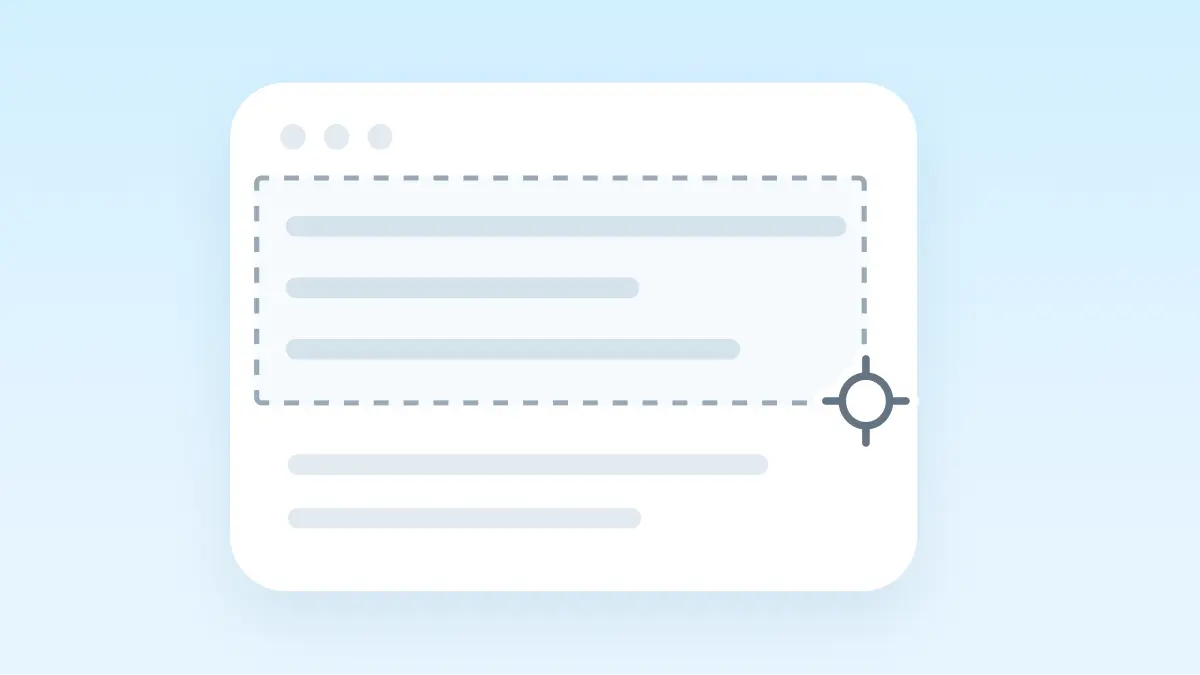
Translate screenshots
Capture the part of the screen you want to translate. Use a shortcut to translate directly from the app you are in.
A quick check before you send
Select text and use the shortcut to check typos and wording before sending an email or chat message. Good for those “is this okay to send?” moments.

Pick up key phrases as you translate
For shorter text, Nani pulls out key phrases and explains them. An easy way to learn while translating.
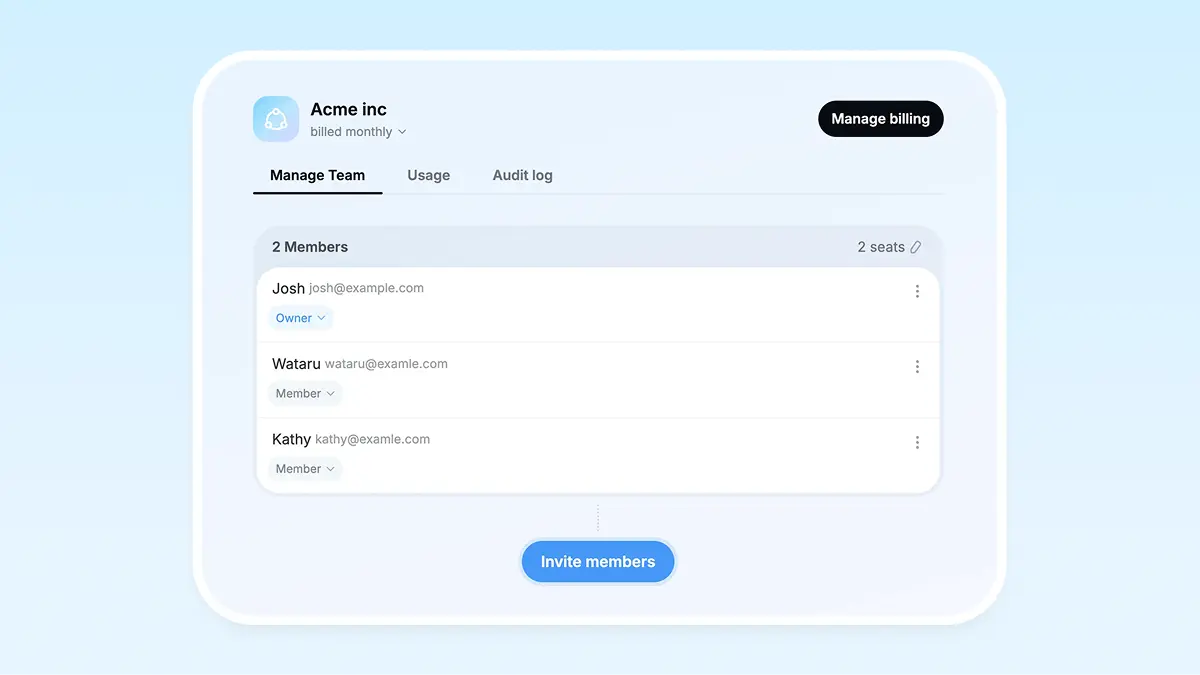
Built for teams too
With the Team Plan, organizations can manage members and usage in one place.
Desktop app translates any text instantly
Translate in any app
With Desktop app, you can quickly translate text in any app using a shortcut.

Securely stored
All your translations stay safely on your device, so you can revisit them anytime.
FAQs
Nani is an AI translation tool that also helps with writing, proofreading, and communicating across languages.
Nani works in any modern browser—no special setup required.
The desktop app supports macOS 14 or later on Apple Silicon, and Windows. A Linux app is not available yet.
Nani’s interface is available in English, Japanese, Chinese, and Korean. Translation explanations are shown in the selected interface language.
You can translate from your language into the following 10 languages.
You can translate from over 100 languages into your language (English).
Proofreading mode and AI pronunciation support 34 languages.
Translation data and history are stored on your device, not on our servers. Our staff do not view your input or output.
To provide translation and other features, we send the necessary content to external AI services. We mainly use OpenAI and Google models. For some purposes, we also use other services, but only those that explicitly state that your input and output are not used for training and are not retained after processing.
OpenAI and Google may temporarily store your input and output for safety purposes, but they do not use them to train AI models.
No. On every plan, including Free, neither Nani nor its AI providers use your input or output for model training. We also don't use it to improve our service.
On the desktop app, you can use a shortcut to instantly translate or proofread selected text from any application.
Because of browser storage limits, the web version keeps your history only temporarily; the desktop version stores it locally so it’s always available.
Yes. The free plan includes both translation and proofreading, with limits on usage count and text length. Choose a paid plan for higher limits or more advanced AI models.
View pricing plans →Currently, we support text and image translation. On the Mac and Windows apps, screenshot translation is also available with Pro / Team. We plan to support PDF translation in future updates.
Currently, dark mode is only available in the desktop app (Windows / macOS).
Yes, the Team Plan is available. With the Team Plan, you can manage members and billing through a dedicated dashboard, and share usage across the entire team.
Nani does not currently provide a public API for external services.
On the Mac and Windows desktop apps, you can open Nani from other apps or automation tools. For example, opening naniapp://translate?source=text starts a translation with the specified text.